# SSL Panel end users access
## Question
How to provide access to SSL Panel to an end-user?
## Answer
One can do so by generating and providing links including secret [tokens](https://docs.openprovider.com/doc/all#operation/CreateOtpToken).
You can reduce the support load for SSL certificate operations, by allowing the SSL Panel to guide your customers through the issuing process. The [SSL Panel‘s URL](http://sslpanel.io) is brand neutral and there is no mention of Openprovider anywhere in the user interface.
Present yourself as an independent provider to your customers.
The SSL purchasing process has two parts:
- ordering in your billing solution ;
- issuing through the SSL Panel ;
**Functionality for user**
1. Edit contact data inside an open certificate ;
2. [Request a certificate](https://support.openprovider.eu/hc/en-us/articles/360020623033) ;
3. Choose DV (domain validation) method ;
4. Change confirmation email address ;
5. Resend confirmation email ;
##### **Functionality for reseller (hidden from user)**
1. Cancel a certificate, so another one can be requested using the same order ;
2. [Cancel order](https://support.openprovider.eu/hc/en-us/articles/360020623173) ;
3. Paid or billing operations such as [Reissue](https://support.openprovider.eu/hc/en-us/articles/360020623153) or [Renew](https://support.openprovider.eu/hc/en-us/articles/360020623113) ;
4. Chat with CA ;
##### **Providing user access via API**
1. Get a temporary token for a particular SSL certificate order in the SSL Panel via the method - **[createOtpToken](https://docs.openprovider.com/doc/all#operation/CreateOtpToken)** ;
2. Use the token and the URL from the response, you can generate a final URL for end user access using this format:** **https://sslpanel.io/auth-order-otp-token?token=<token from createOtpToken request> ;****
##### **Multi-language support for users**
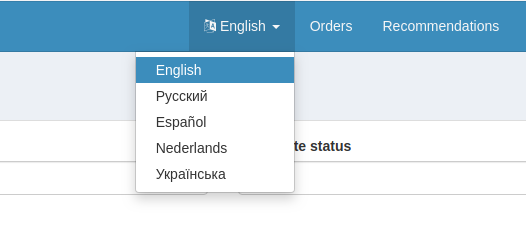
The SSL Panel interface currently supports languages: English, Russian, Spanish, Dutch, Ukrainian.