# Certificate is not trusted after installation
## Symptoms
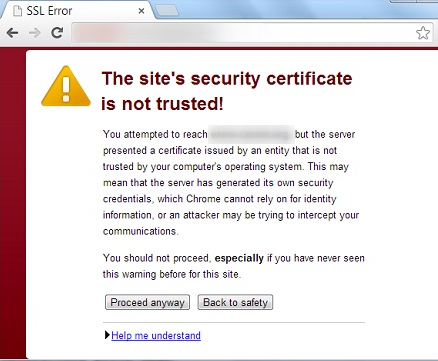
After installing certificate you check the website and are presented with an SSL error:
The certificate is not trusted!
This means that you are not presented with a full chain of trust of the certificate.
## Cause
SSL Certificate chain is incomplete. Some components are missed.
Use the full root and intermediate certificates when installing the certificate.
## Resolution
Please use the full root and intermediate certificates when installing the certificate, these can be found in [this knowledge base article](https://openprovider.help/books/ssl-certificates/page/list-of-root-and-intermediate-certificates).
You can check your installation on[this website](https://www.ssllabs.com/ssltest/), we use it often as it has a lot of checks that can give you plenty of information about your server's security
Or use[the tool from Sectigo](https://sectigostore.com/ssl-tools/ssl-checker.php), when you are using a Comodo (Sectigo) certificate.