# .CN Domains : New Verification Procedure
#### This article covers the detailed process of the new verification procedure introduced by the Registry of .CN Domains (China Internet Network Information Center) or CNNIC.
### What is this ?
The .CN Registry announced that starting from **August 1st 2022**, CNNIC will perform random audits for the Real-Name Verification (RNV) for all registered domains. Non-passing domain names will be set to ‘**serverHold**’ status until they pass the verification.
Kindly note the unpassed RNV domains will **not be renewed** and will eventually be deleted once the renewal grace period ends, hence we urge our resellers to inform the registrants about this.
As the verification process takes time, we ask you to submit the required documents **ASAP**
### How can I perform the verification of my domain ?
Please find and review the instructions for accepted document formats in the *Registration* Section Knowledge Base for .cn ([https://openprovider.help/books/domains/page/cn](https://openprovider.help/books/domains/page/cn)).
**TIP**: We suggest resellers to share this information with domain owners. They themselves can validate their domains and upload the necessary documents.
### STEPS TO PERFORM RNV:
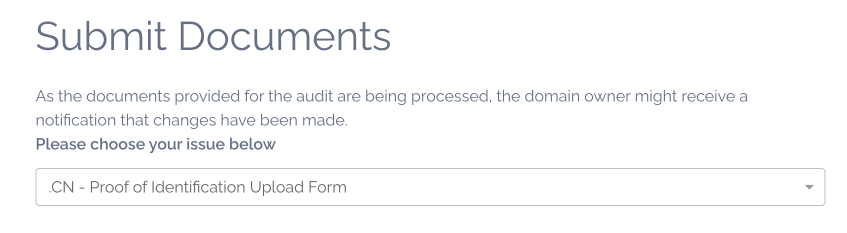
1\. Go to [https://verification.centralnicgroup.com](https://verification.centralnicgroup.com/hc/en-gb/requests/new?ticket_form_id=5929391983261), select the property "CN - Proof of Identification Upload Form"
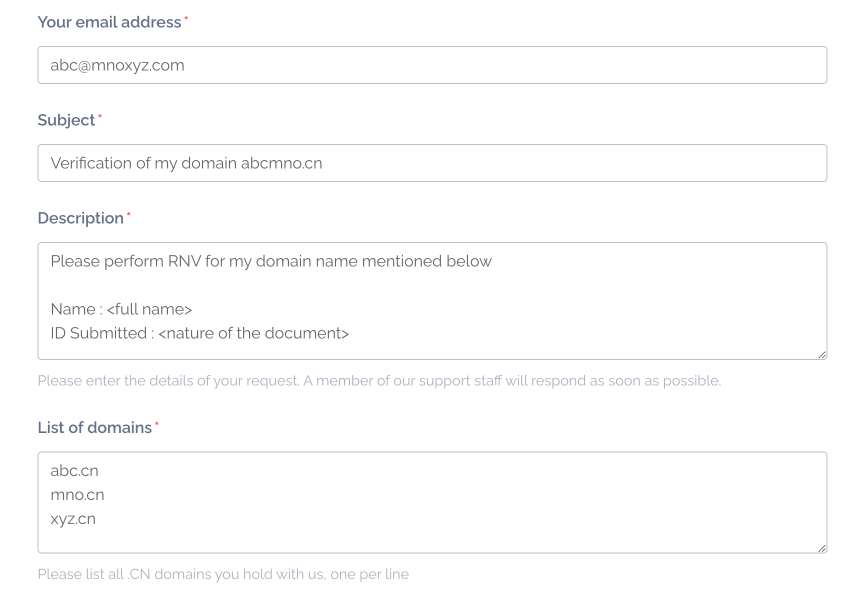
2\. Fill all the details correctly in all the respective fields, please also fill the domain names correctly.
**TIP about the email address**: the process is normally expected by the owner but it depends completely on the speed of the process of the validation. If the registry asks for more information to the owner, he may be slow to communicate it to the reseller. But if the email is of the reseller, he can directly ask the owner for more clarification.
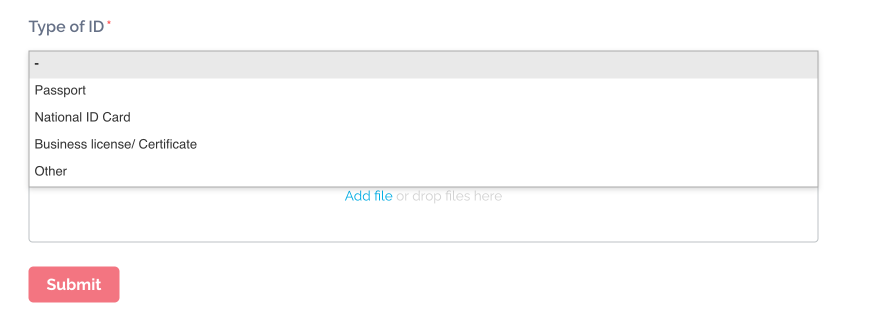
3\. Please select the correct type of ID Proof you wish to upload.
Upload the ID Proof and click "**Submit**"
***New registrations will continue to proceed as before, requiring the owner's contact handle to be pre-verified in this way described.***
### What should I do if my domain is put on "serverHold" by the registry ?
You can contact our Support Team () with the documentation and please mention the domain name clearly so if would be efficient for us to communicate the same with our partner.
Kindly note the unpassed RNV domains will not be renewed and will eventually be deleted once the renewal grace period ends, please fix the registrant ID before then.